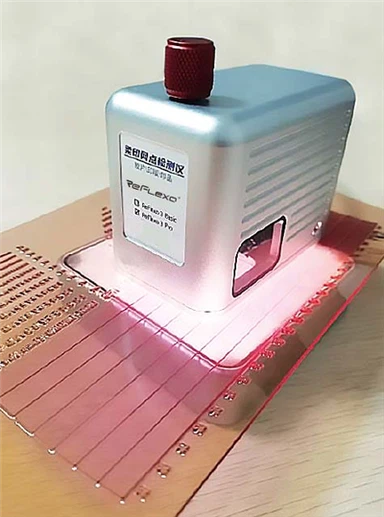
how to operate ctp machine
Jan 10, 2025
Operating a CTP (Computer-to-Plate) machine involves several steps to ensure efficient and high-quality printing plate production. Here's a guide on how to operate a CTP machine:
1. Preparation:
- Ensure the CTP machine is clean and free of dust or debris.
- Check that all necessary supplies, such as printing plates and chemicals, are available.
- Make sure the machine's software is up-to-date and configured correctly for the job.
2. Setup:
- Turn on the CTP machine and allow it to warm up according to the manufacturer's instructions.
- Load the printing plates into the machine, ensuring they are properly aligned and secured.
- Configure the machine settings, including exposure time, resolution, and any specific plate parameters.
3. Pre-Exposure:
- Perform a pre-exposure step if required by the plate manufacturer. This can help in removing any surface coatings or films that may interfere with the imaging process.
4. Imaging:
- Initiate the imaging process. The CTP machine will use a laser to expose the plate, transferring the digital image onto the plate surface.
- Monitor the progress of the imaging process on the machine's control panel.
5. Post-Exposure Processing:
- Once imaging is complete, remove the plate from the CTP machine.
- Process the plate according to the manufacturer's instructions. This may involve washing off residual ink or coating, or baking the plate to set the image.
6. Quality Check:
- Inspect the printed image on the plate for accuracy and quality. Look for any defects such as missing details, blurriness, or incorrect colors.
- If necessary, adjust the machine settings and repeat the process until a satisfactory result is achieved.
7. Maintenance:
- Regularly clean and maintain the CTP machine to ensure optimal performance and longevity.
- Replace any worn parts or consumables as needed.
8. Troubleshooting:
- If issues arise during operation, refer to the machine's user manual for troubleshooting tips.
- Contact technical support if problems persist.
9. Safety Precautions:
- Always follow safety guidelines provided by the manufacturer.
- Wear appropriate protective gear when operating the CTP machine.
10. Documentation:
- Keep records of all jobs run on the CTP machine, including settings used and any issues encountered.
- This documentation can be helpful for troubleshooting and quality control purposes.
Operating a CTP machine requires attention to detail and adherence to best practices to ensure high-quality output and efficient operation. Regular training and updates on new technologies can also help in optimizing the performance of the CTP machine.